Upload the model
Heads, bands, and stones upload as GLB. The dashboard reads the mesh names straight out of the file, so you see your own part names rather than a numbered list.
The standard catalogue covers common bridal. Your signature pieces are the reason a customer chose you. Custom mode puts your own models into the configurator, priced per part, rendered with the same diamond engine.
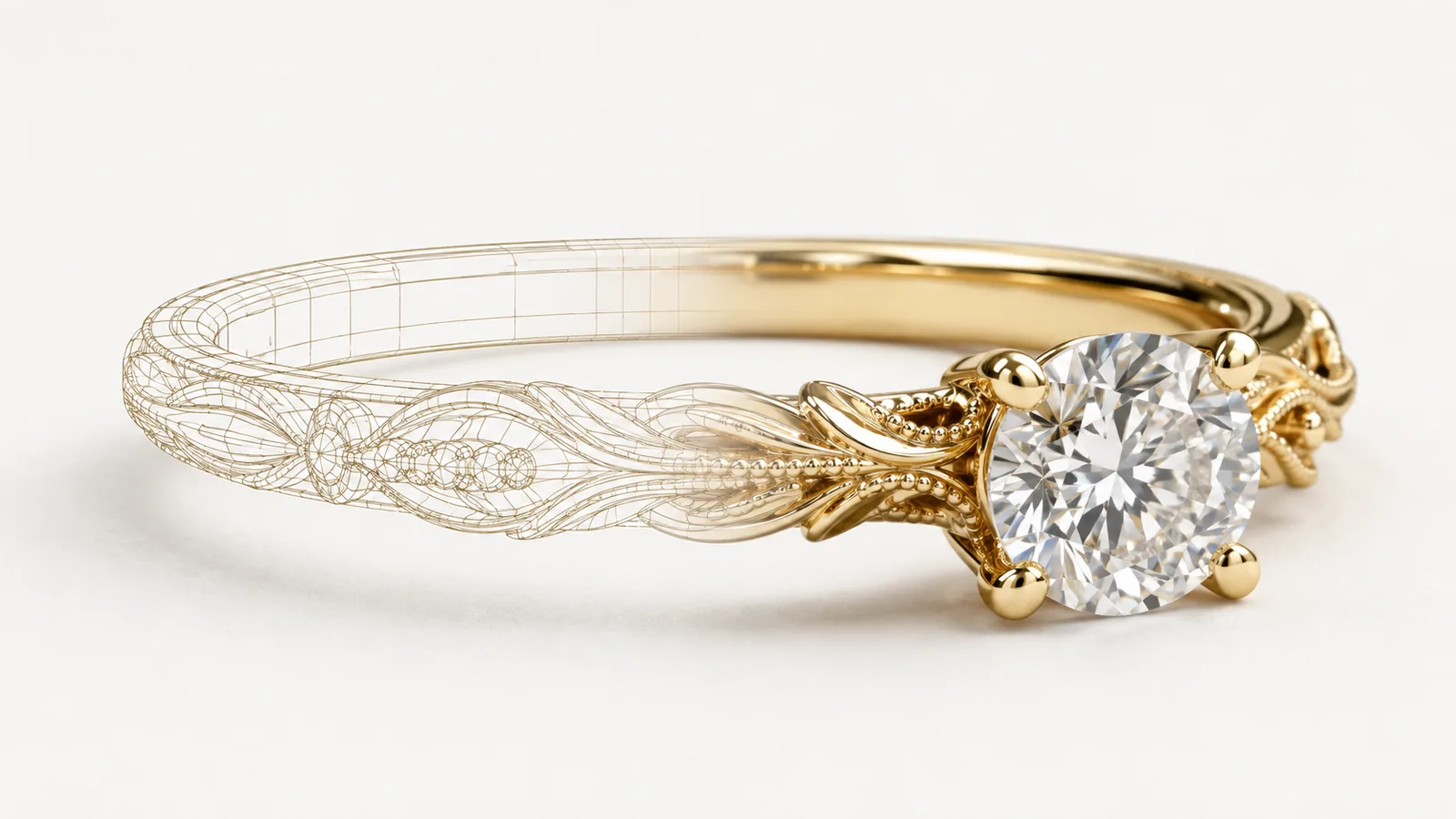
Heads, bands, and stones upload as GLB. The dashboard reads the mesh names straight out of the file, so you see your own part names rather than a numbered list.
Tick the meshes that are diamonds, and the ones that should stay hidden. There is no naming convention to learn and no requirement to re-export from your CAD package with particular layer names — the tagging happens in the dashboard, against your file as it is.
Tagged meshes get the analytic facet renderer, the same one the standard catalogue uses. Because facets are fitted from the geometry at load time, a cut the engine has never seen renders correctly the first time.
Every uploaded head and band carries its own add-on — a fixed amount, a percentage, or an amount per carat — on top of your base price, and combines with metal, size, carat, colour, and clarity through the same pricing model as the standard catalogue. A thumbnail can be uploaded per part so the picker shows your photography, not a generic icon.
The embed switches from the prebuilt catalogue to yours. Shoppers see your designs; quotes, saved links, and cart integration behave exactly as they do on the standard builder, including server-side price enforcement at checkout.
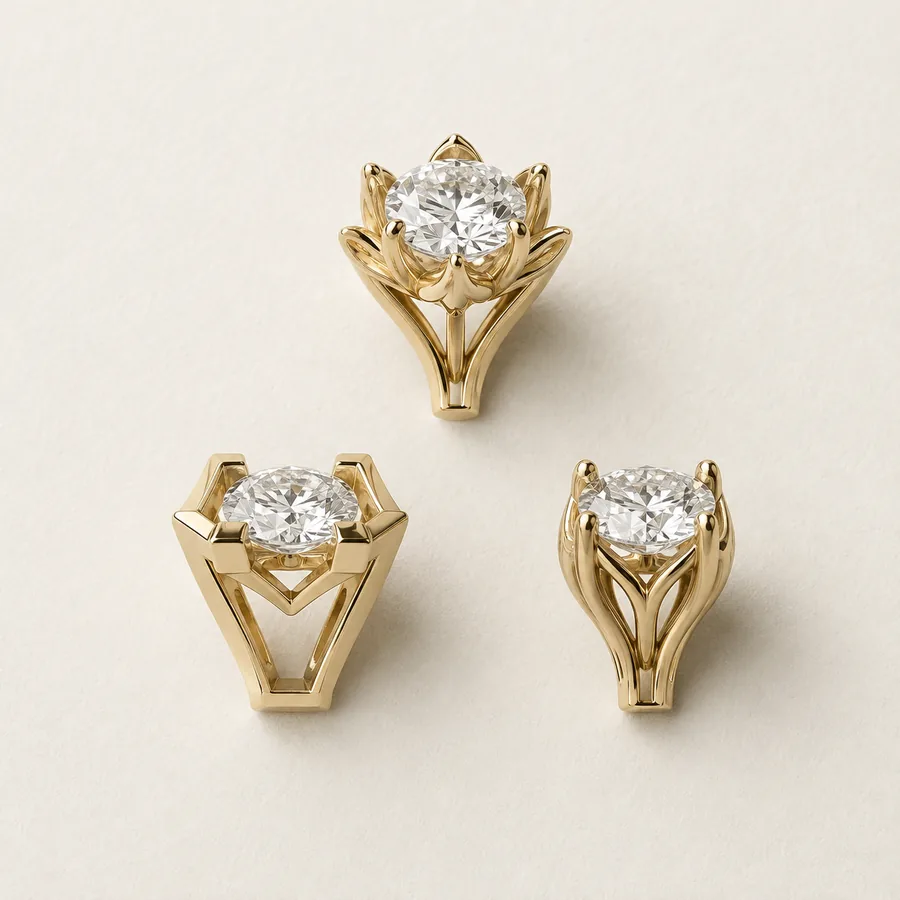
A configurator stocked entirely with generic components makes every jeweller who uses it look identical. Custom mode is the difference between selling a category and selling your house style.
Most workshops have years of CAD sitting in a folder, built for casting and never used for selling. This is the shortest path from that folder to a storefront.
One model covers every metal, karat, finish, size, and stone quality. The alternative is a photo shoot per combination, which is why most stores show one metal and hope.
Signet rings, cufflinks, family crests, and other non-bridal configurators run on the same engine with a bespoke flow built around them. That work sits on the Scale plan, with white-label deployment, custom integrations, and solution architecture included.
Jewel Shots turns 3DM, OBJ, and GLB into product stills, short videos, and embeddable viewers — useful for the collection pages that sit around the configurator.