Choose the rule that matches the exception
Mark a carat row Quote only when that whole weight should require a quote. Use Sold online up to for an origin’s white or fancy-colour column when heavier stones should be handled by your team. Leave a full diamond price cell blank when only that shape-and-weight price is unavailable.
For ring sizes, use the size range shortcut and select quote only for sizes outside the online range. Choose not offered when your workshop cannot fulfil them. A quote-only option remains an offering; an unavailable option does not.
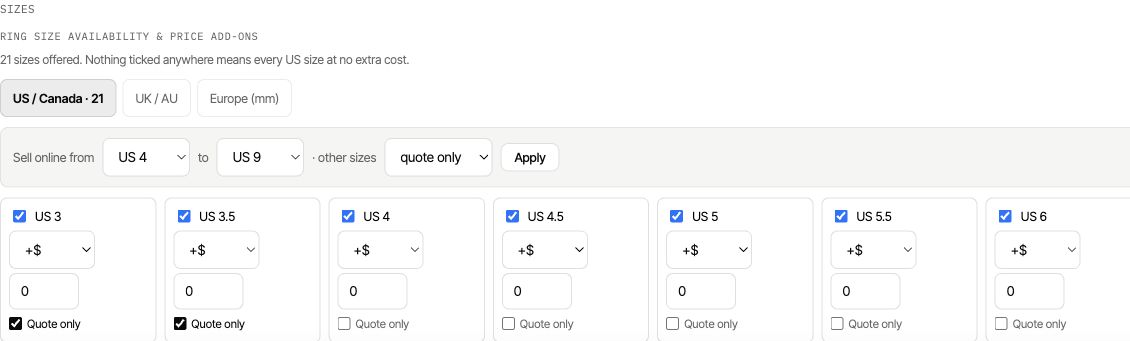
Set a colour or weight limit
- Open 3. Pricing and the intended Lab Grown or Natural tab.
- Locate the diamond table. Use Quote only for an entire weight row, or Sold online up to for a colour-specific threshold.
- Set fancy-colour prices by weight as add-ons over the white diamond price, not as another full diamond price.
- Review the other origin separately; diamond quote limits are independent.
- Save and test a weight below, at and above the threshold.
Sold online up to allows the threshold weight online and requires a quote for heavier weights. An explicit zero full price is not the same as a blank cell.
Configure the quote recipient
In Publish, enter the email address that receives quote requests. The editor requires a recipient when the offered configuration contains quote-only rules. Save and read the status beside Save configurator.
Test a request from the published builder. Confirm that the team receives the selected origin, weight, colour, size and design needed to prepare the quote.
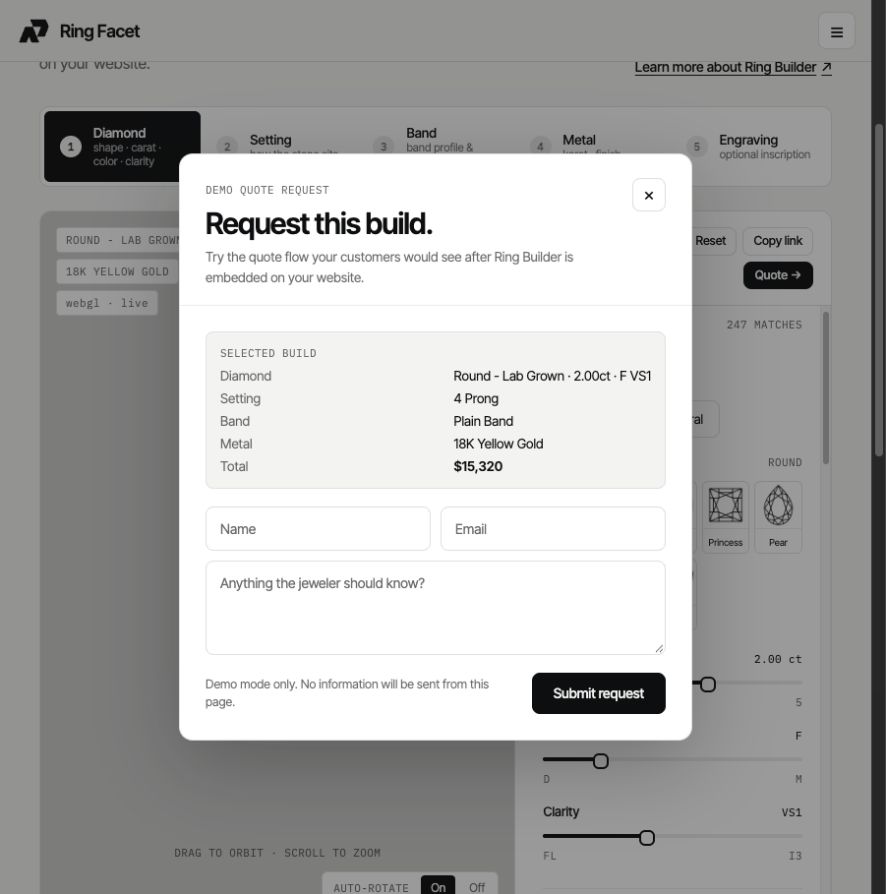
Check cart mode and quote mode
In a builder set to Add to cart, a priced selection should still use the cart flow. A selection that requires a quote should use the quote flow. If the entire builder is set to Request quote, test representative designs regardless of whether prices are populated.
Test both a normal order and an exception on mobile. A large stone, uncommon colour or out-of-range size should have a deliberate path to your team. Review the launch checklist.